Figma To Flutter In Seconds
Put a Figma background design into Flutter in seconds
Say you have a Figma app design with a funky gradient background like this:
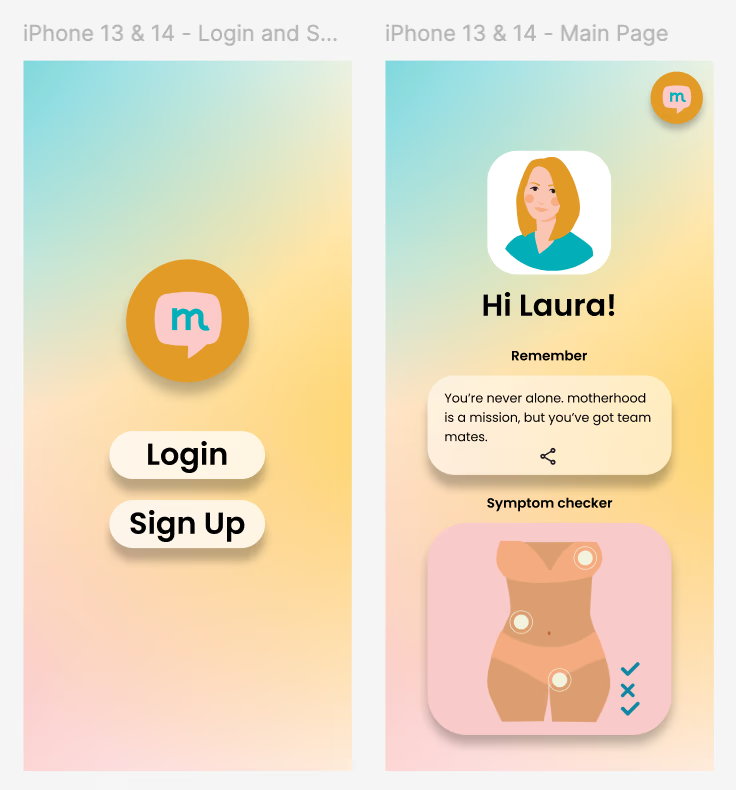
You want to get the background gradient mix into a Flutter application build, but putting together gradients in Flutter is messy and annoying. Fortunately, you can pull the gradient out of Figma.
Step 1
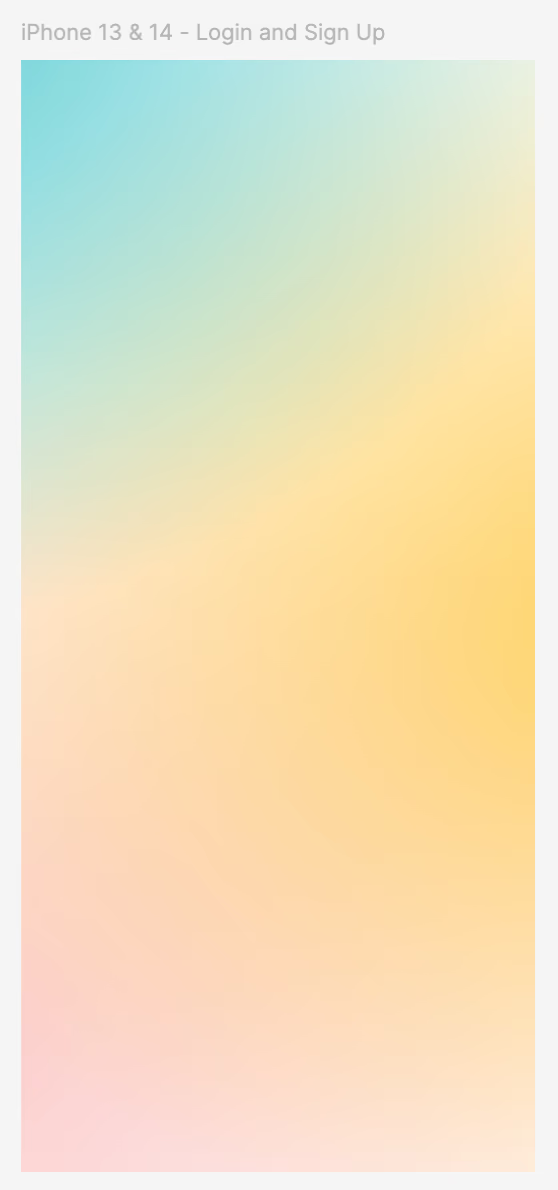
Select one of the phone frames. Copy it, paste it, and delete all the elements from it. Voila:
Step 2
Select the entire screen, then export the design by clicking export in the right-hand panel at the bottom:
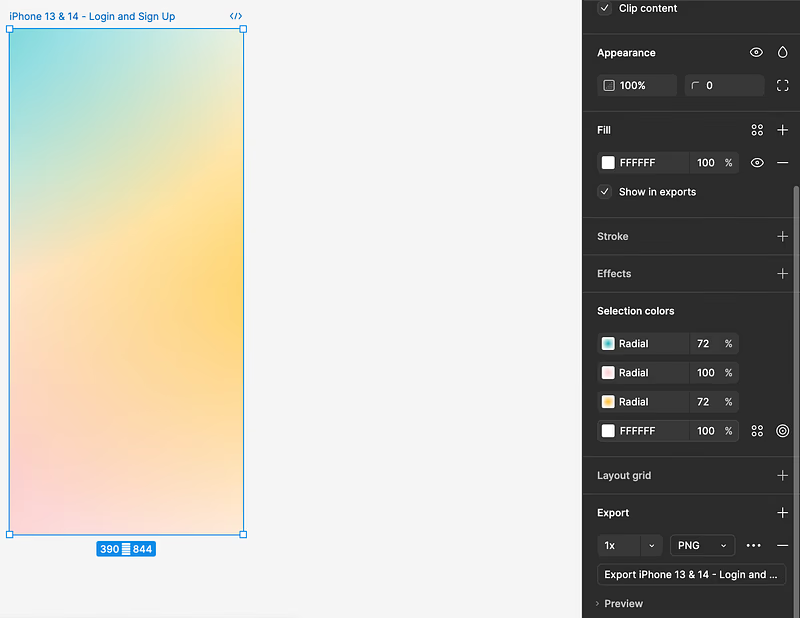
This will download the phone screen background in a png of the same shape as the selected screen.
Step 3
Add it to your Flutter application by moving the downloaded image to your assets folder and then adding it as BoxDecoration on a Container in the body:
Container(
  decoration: const BoxDecoration(
    image: DecorationImage(
      image: AssetImage('assets/images/homeBackground.png'),
      fit: BoxFit.cover,
    ),
  ),
  child: Center(
    child: Column(
      children: [
        Image.asset('assets/images/mumie-logo.png', height: 200),
        const SignOutButton(),
      ],
    ),
 ));
The most important part here is the fit option. Ensure you choose BoxFit.cover so the image grows to fill whatever screen it's on. Hey presto: