Publish a Poetry Package to PyPi
The fast, easy way to publish your Poetry package on PyPi.

This tutorial explains how to quickly publish your Poetry Python package to PyPi. I’m assuming you already have Python, Poetry, and a PyPi account. If not, you can set up PyPi here:
Step 1 — Setup your PyPi credentials
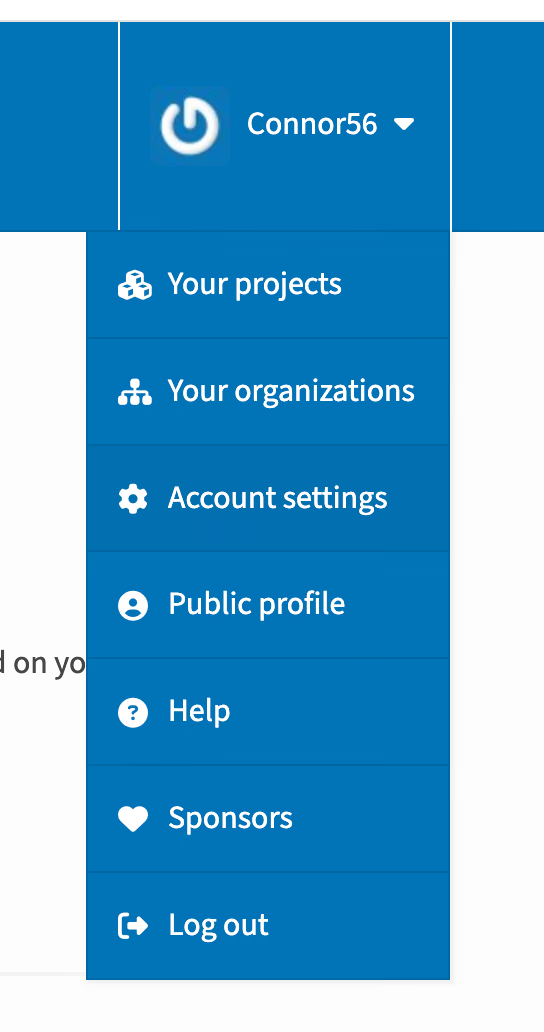
You can get credentials for publishing to PyPi from the web interface. Go to your account settings:
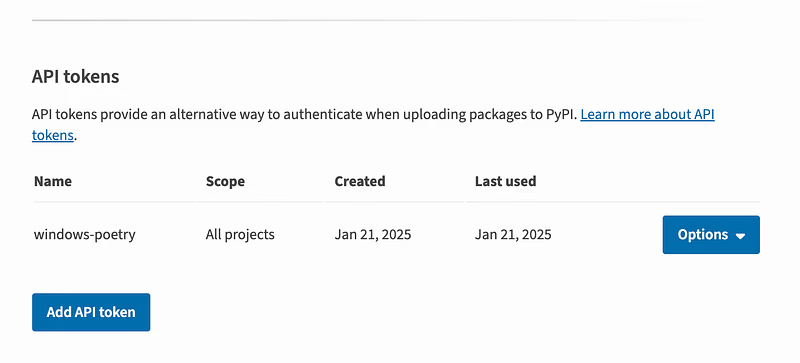
Scroll to the API Tokens section, and select Add API Token:
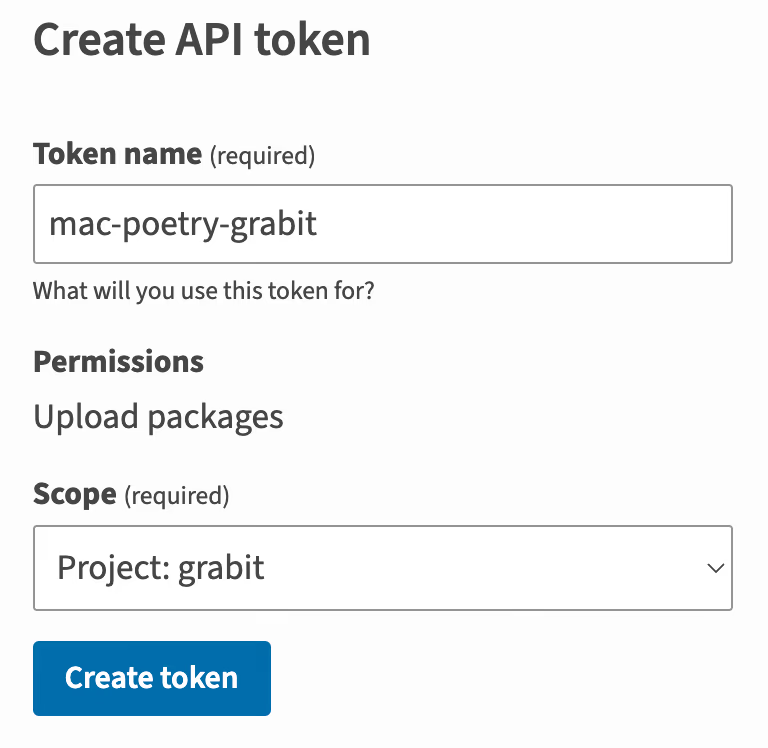
When you add a token you’ll be taken to a simple screen that asks you to name it and scope it. You can limit its scope to one of your PyPi projects. I’m scoping mine to my grabit tool:
You’ll get a token that looks like this:
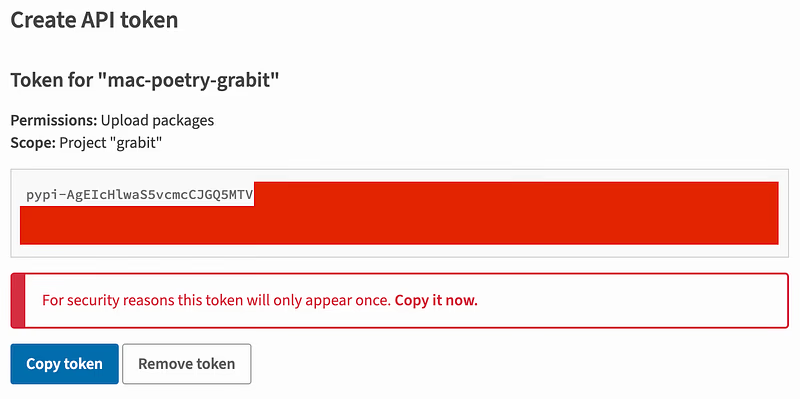
I’ve already revoked this particular token, as it’s bad practice to expose any part of it on the internet. Select Copy token. You can tell poetry to use your token with the following terminal command:
poetry config pypi-token.pypi <paste-your-pypi-token-here>
That’s it, Poetry is set up ready to publish your package.
Step 2— Build your package
Before publishing your package, Poetry needs to build the .whl files that your package users will download. You can build these files with:
poetry build
Step 3— Publish your package
Now you have the .whl files, publish your package with:
poetry publish
Final Words
Thank you for reading this tutorial. If you think I’ve missed something, please comment, and I’ll address your problem or update the article. Cheers! 😁